If you have a new membership card you need to update your SWIMTAG account with the new card number.
This is very simple to do! You need to complete at least one swim with the new card and then follow these steps:
- Login and click "Settings" on the top right hand side of the page.
- Scroll down to the Membership Details box
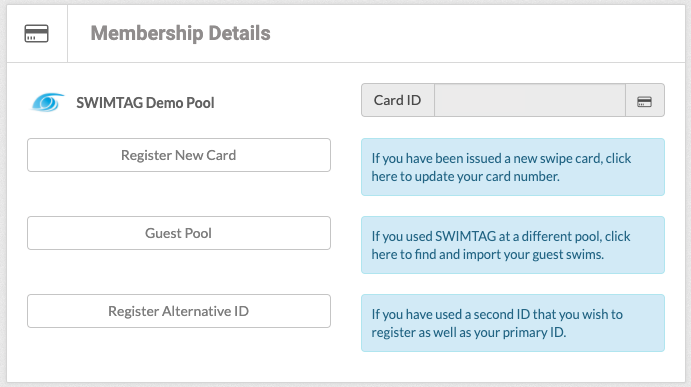
- Click "Register New Card"
- Choose your pool from the drop down list and enter your new membership card number
- Click "Search" to see the swims linked to this card
- Click "Transfer Swims"
This will transfer your last swim(s) over to your account and ensure your future swims automatically upload to your profile.
If you have any questions please email support@swimtag.com